Room to Include: A Calm Checklist for Accessible Meetings at the BLR Centre
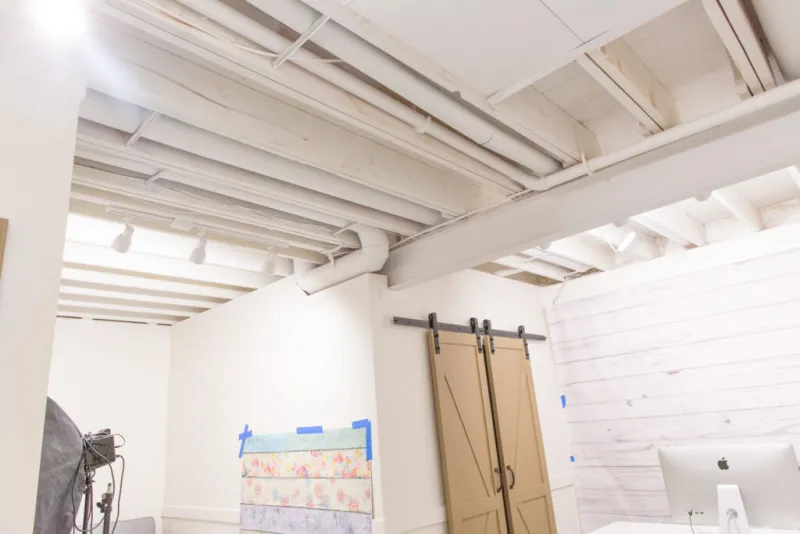
Photo: accessible business meeting room UK hearing loop inclusive event layout, via www.sengerson.com
Accessibility as part of the plan
Inclusive meetings are no longer an optional extra. Under the Equality Act 2010, UK organisations have a responsibility to make reasonable adjustments for disabled people, and small teams can meet that expectation through early questions and sensible planning. The aim is not to predict every need perfectly. It is to create a clear process that gives attendees confidence to ask for what they require.
At the BLR Centre, room bookings and events can be planned around access from the outset. The checklist below is designed for small teams that want a practical routine without turning a half-day meeting into a major project.
Before you book: ask, record and confirm
Start with the invitation or registration form. Ask whether attendees have access requirements, dietary needs or anything that would help them take part. Offer a named contact and a phone number as well as an email address. Do not ask for medical details; ask what adjustments would help.
Record requests in one place and confirm them with the venue. When booking a room at the BLR Centre, discuss access routes, room choice, hearing loop provision and layout at the point of booking rather than the week before. Set a reasonable deadline for requests, but make clear that late requests will still be considered.
Choose the room for the meeting, not the other way round
Room layout can make or break inclusion. A boardroom layout suits discussion but can obstruct wheelchair access if chairs are packed too tightly. Theatre style works for presentations but needs clear aisles. Cabaret style supports group work but requires space between tables. Ask the centre team which layouts are available and how quickly a room can be reset.
Check sightlines to the screen, the presenter and any interpreter. Leave a clear route from the door to the main seating area. Avoid placing the speaker in front of a bright window, which can make lip-reading difficult. If the meeting is hybrid, test the platform, captions and audio before the day.
Hearing loops, sound and sightlines
If anyone has indicated that they use a hearing aid or assistive listening device, confirm whether a hearing loop is available and working in the chosen room. Test it before attendees arrive and display clear signage explaining how to use it. For larger meetings, use microphones for audience questions as well as for the presenter.
Provide slides in advance where possible, use readable fonts and avoid relying on colour alone to convey meaning. If a British Sign Language interpreter is requested, confirm sightlines and lighting. Captions should be checked for accuracy, especially where names or technical terms are used.
Catering that includes everyone
Catering is often where good intentions meet practical gaps. Ask about dietary requirements during registration and label food clearly. Provide allergen information and avoid placing essential refreshments where they are difficult to reach. A quiet space away from the main room can help attendees who need a break from noise or conversation.
Keep water available throughout and consider whether tables are at a comfortable height for seated attendees. If the event includes a networking lunch, make sure seating arrangements do not exclude people who cannot stand for long periods.
Signage and arrival
Clear signage starts before the front door. Include the accessible entrance, lift, toilet facilities, quiet room and meeting room name in joining instructions. Provide a contact number for arrival queries and, where possible, a greeter at the main entrance. Send joining instructions 48 hours before the event and repeat the key access information on the day.
Inside the BLR Centre, check that temporary signage does not block routes or obscure permanent fire safety information. Walk the route yourself from reception to the room and note any steps, heavy doors or confusing turns.
Promote the meeting inclusively
Inclusive promotion means telling people what to expect. Add an access statement to the event page or invitation, including information about step-free access, hearing loops, quiet space and who to contact. Use plain English, provide alternative formats on request and add alt text to images. If you produce a video, include captions.
Avoid language that frames access as a special favour. Instead, present adjustments as part of normal event planning. Offer multiple ways to respond and make the request process simple.
On the day: give one person a clear role
A small team can still assign an access lead for the day. That person checks the room 30 minutes before the start, confirms the hearing loop, positions signage, checks water and quiet space, and briefs the presenter on any last-minute requirements. They should also know who to contact at the venue if something is not working.
After the event: close the loop
Ask attendees whether the arrangements worked and record useful feedback in a reusable checklist. Update the template, share relevant notes with the BLR Centre team and keep a record of what was requested. Over time, this turns accessibility from a one-off effort into a calm, repeatable part of hosting meetings.